
Enabling your App Store Connect API helps Futuri automate your mobile app submissions and deliver the latest feature updates to your listeners' hands faster.
To enable the API, follow these steps:
Log in to App Store Connect.
Click on “Users and Access” in the top menu and then select "Integrations."

Click the “Request Access” button.
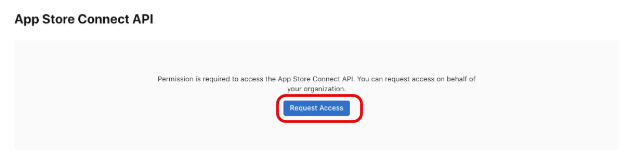
Notify FUTURI once the request is approved. NOTE: It may be approved immediately.
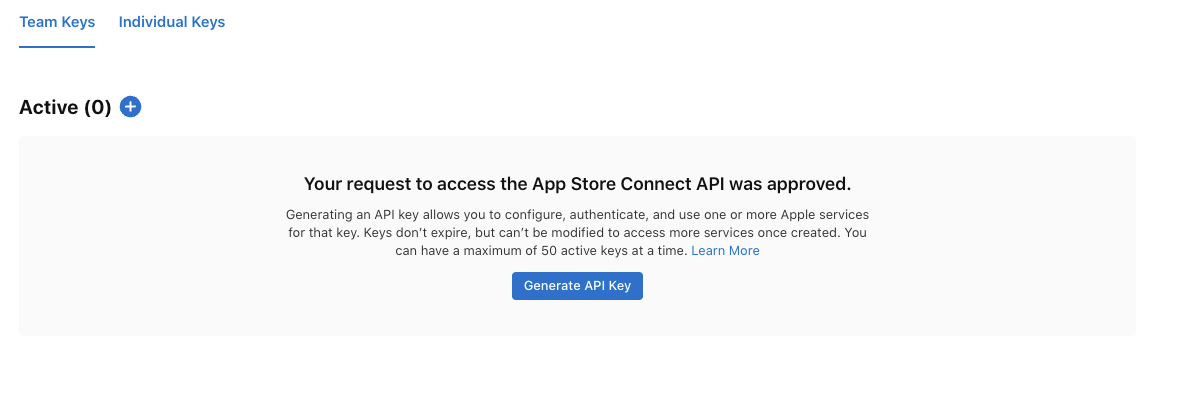
No further action is needed by you. Futuri will create the API Key needed for automatic submissions.