
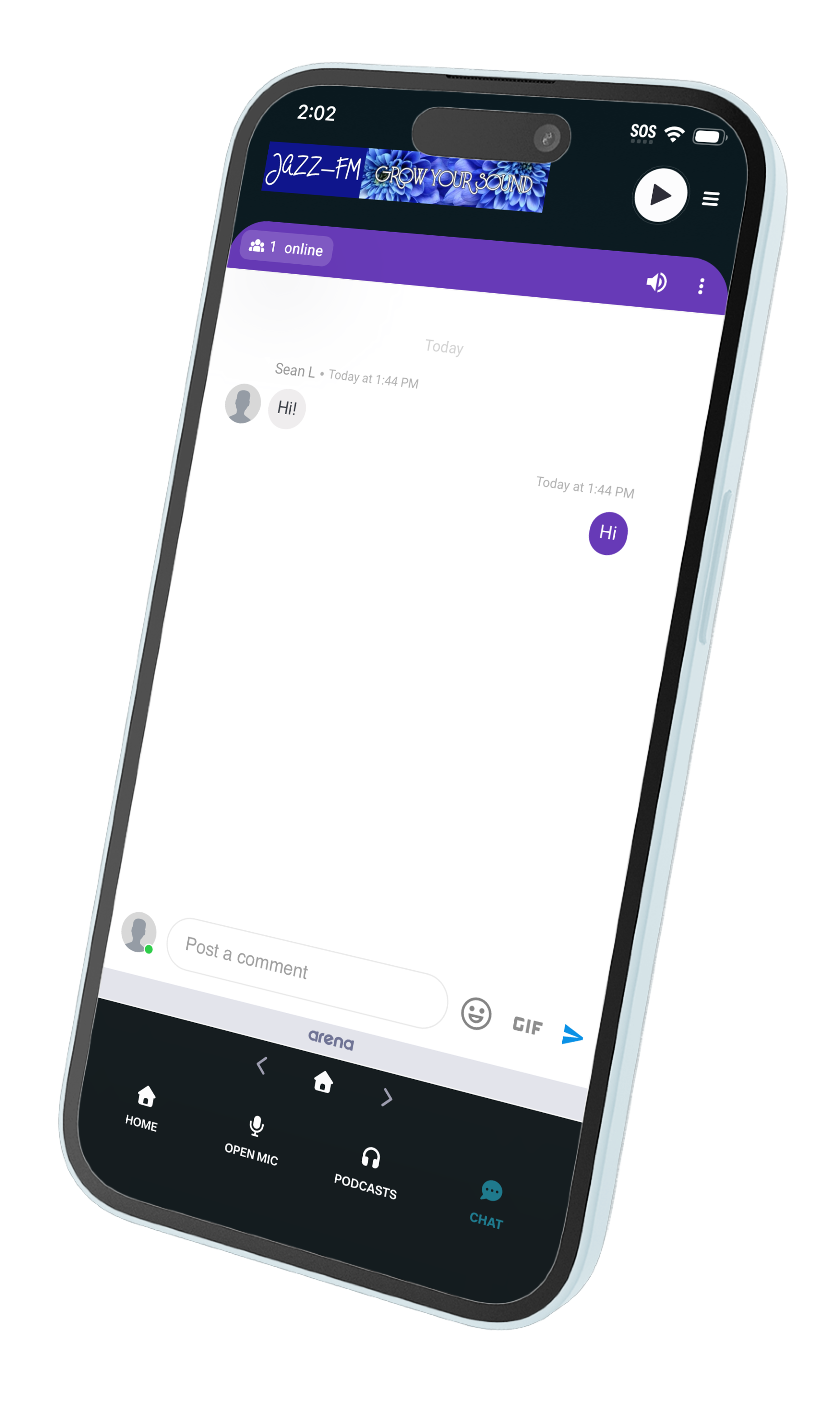
The Arena.im group chat feature can be easily integrated with Futuri Mobile apps.
To set it up, you must first have an Arena account with a Live Chat feature enabled. Then, follow these steps to add it to your Futuri Mobile app:
- In Arena, open the Chat you want to add to your app.
- Click on "Code" in the menu.
- Select the "Others" section. Then, choose "Native App" from the drop-down menu.
- Copy the URL provided.
- In Control Room, navigate to the Menu Editor.
- Select to enable the chat in either your Nav Bar Menu or Hamburger Menu.
- Add a new item, choosing the Action to "Open a URL in the main app view."
- Paste in the Arena URL as the Target.
- Save.
- Hard close and re-open your app to see the update.